While much attention goes to building AI-first products, the more immediate opportunity for most companies lies in enhancing what they already have.
Your existing software systems, internal tools, customer platforms — even day-to-day workflows — can benefit from thoughtful AI integration.
Not by replacing what works, but by making it smarter, faster, and more responsive to user needs.
When done right, AI doesn’t just optimize — it elevates. It improves user experience, unlocks new product capabilities, boosts team efficiency, and can even open the door to new revenue streams.
For example, a school management system may have a painful, time-consuming scheduling process. Teachers spend hours juggling classroom availability, subject rotation, and staffing constraints — but an AI model could propose optimized schedules in minutes based on the same inputs.
Because just working isn’t enough anymore. If your product isn’t getting smarter — it’s falling behind.
Meanwhile, your competitors are leapfrogging by quietly transforming user experience with invisible AI layers that redefine what “good enough” looks like.
Let’s explore WHERE AI can be integrated into existing solutions, HOW organizations are already utilizing it today, and WHY this matters.
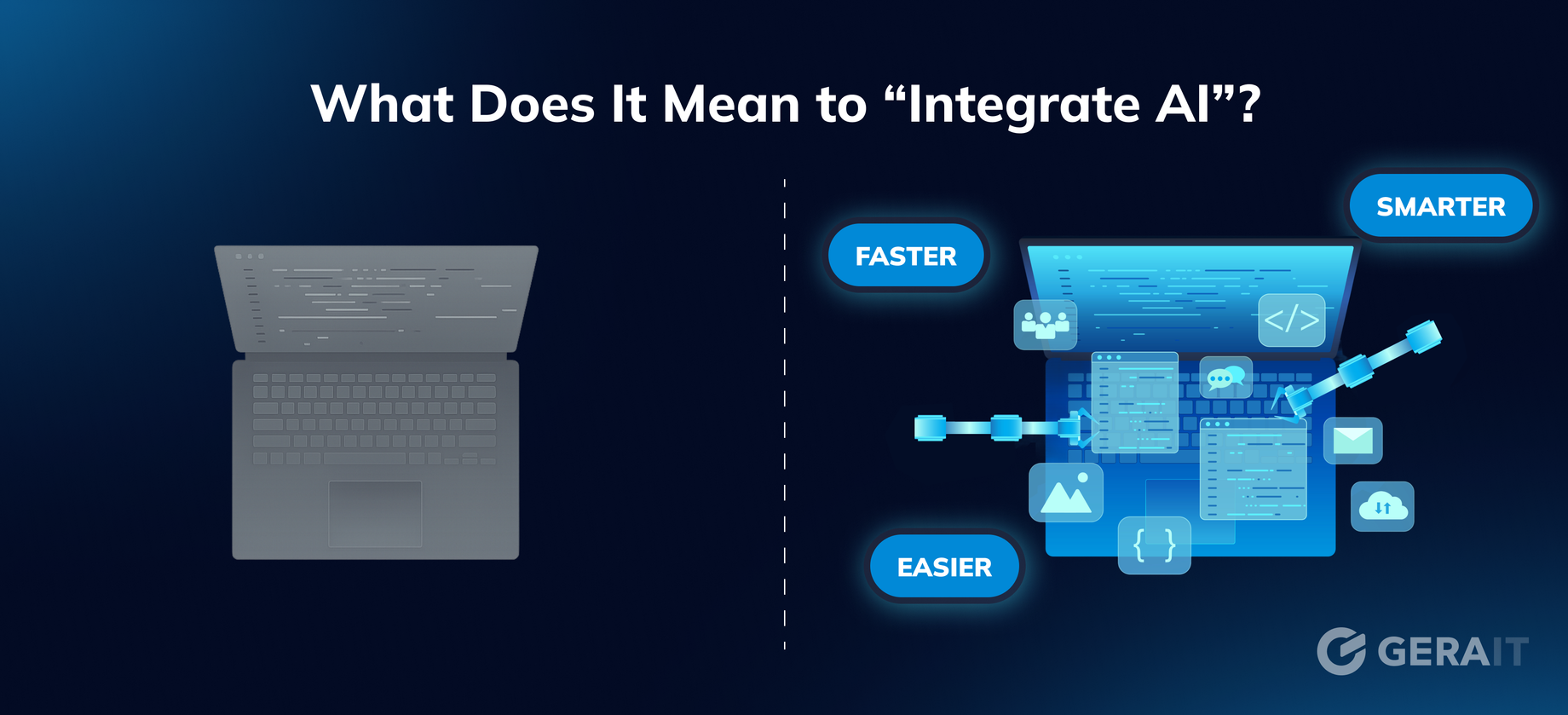
Integrating AI doesn’t mean “replacing your app with a chatbot.” Instead, it means embedding intelligent capabilities into specific touchpoints of your product or process:
- Making something faster (e.g., automating routine decisions)
- Making something smarter (e.g., analyzing patterns in data)
- Making something easier (e.g., suggesting content or next steps)
Think of AI as a layer, not a replacement.
WHERE? | Key Areas AI Is Commonly Integrated
1. Customer Interaction Points
This is where AI often delivers the most visible and immediate value.
- Chatbots replace or augment FAQ pages with context-aware answers.
- Sentiment analysis scans customer messages to flag dissatisfaction early.
- Voice-to-text + summarization tools reduce time on CRM updates and improve call center training.
- Behavior analysis in learning or wellness platforms adapts pacing or content based on user engagement.
Why it works: Customers feel the difference right away — faster replies, smarter help, and smoother experiences.
2. Internal Operations & Workflow Automation
AI boosts how your team uses existing tools — no rebuilds required.
- AI-powered knowledge bases surface relevant docs or past conversations.
- Assistants auto-draft emails, reports, changelogs, and meeting notes.
- Smart search pulls accurate info from large doc or ticket libraries.
- Burnout detection flags abnormal work hours or long response delays.
- Usage pattern tracking highlights friction in internal tools and suggests improvements.
Why it works: Less cognitive load, fewer repetitive tasks — more time for meaningful work.
3. Decision-Making and Forecasting
AI doesn’t replace decision-makers — it gives them a sharper view of what matters.
- Supply chains: Forecast demand, reorder points, and disruptions.
- HR: Spot burnout or attrition risks early based on team behavior.
- Finance: Uncover cost-saving patterns or budget reallocations.
- Sales: Predict the best time to follow up based on interaction signals.
- Pricing: Dynamically adjust plans based on usage or churn risk.
- Legal/Ops: Flag risky clauses or unusual contract terms before review.
Why it works: Your decisions become faster, better grounded — and more forward-looking.
4. Product Intelligence
Many existing products are becoming smarter — without needing a full redesign.
- Recommendations suggest content, features, or actions based on behavior.
- Personalized onboarding adapts to user intent or drop-off points.
- Feature adoption tracking reveals what users miss — and how to nudge them.
- UI interaction audits show friction points before complaints arrive.
Why it works: The product feels more intelligent and helpful — without changing its core.
HOW? | Strategic Approach: Introduce AI Without Breaking Things
1. Start with Friction
AI should reduce friction, not add complexity
- Don’t ask: “Where can we use AI?”
- Ask instead: “Where do users get stuck, repeat tasks, or waste time?”
2. Embed, Don’t Replace
AI should enhance existing flows, not rebuild them.
- Let AI summarize support tickets — not answer them end-to-end.
- Let it suggest draft replies, not send them automatically.
- Keep the human in control, especially in sensitive areas.
3. Treat AI Like a Co-worker
AI isn’t magic — it’s a tool that needs oversight.
- Design workflows where AI assists, not decides.
- Build feedback loops that let users correct or guide the model.
- This builds trust — essential for long-term adoption.
4. Think Data-First, Not Model-First
Even the best model fails without context.
- AI needs structured inputs: events, metadata, user actions.
- Ensure your system captures the right signals before integrating models.
Clean data beats clever algorithms every time.
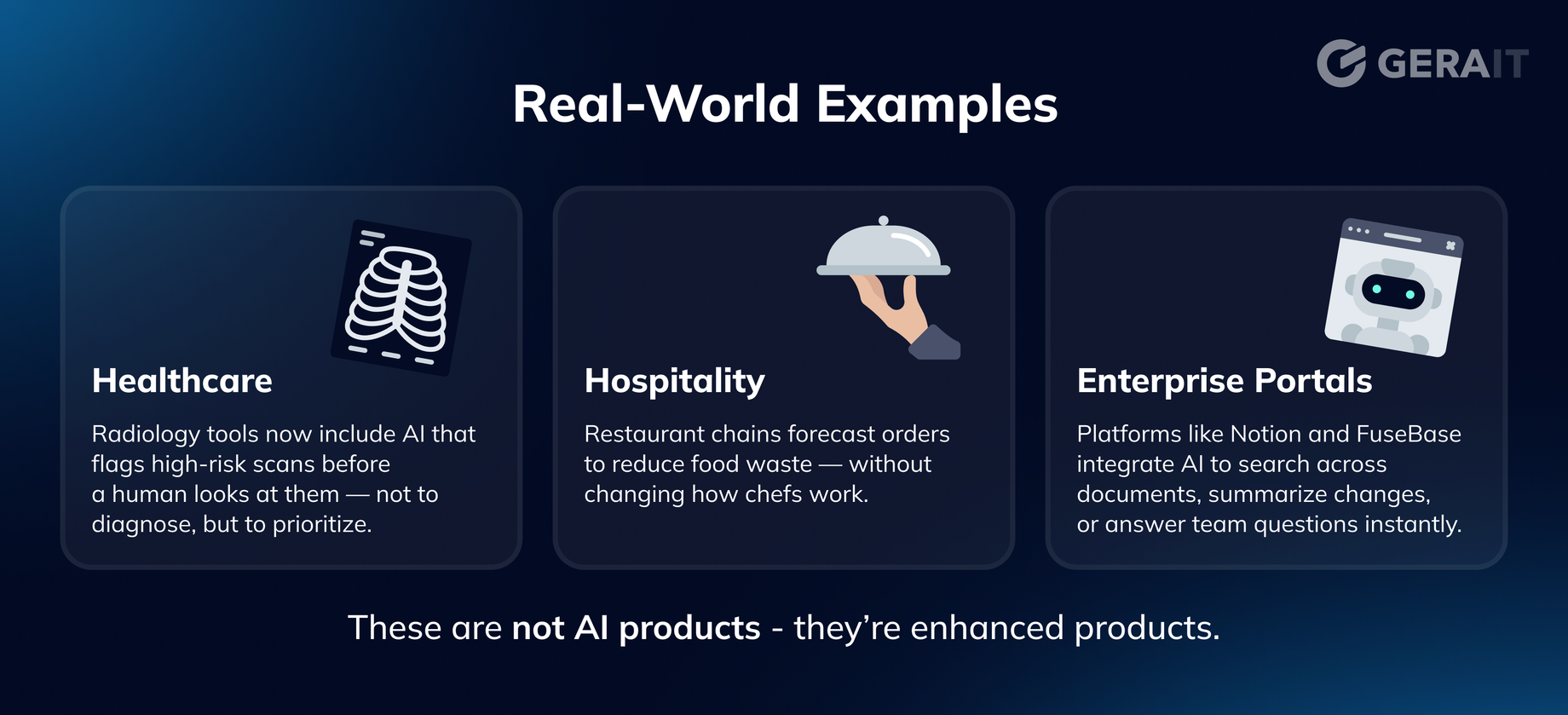
WHY? | The Goal is Invisible Help, Real Impact
The most effective AI doesn’t call attention to itself — it just works.
Users rarely care if something is AI-powered. They care that it’s faster, smoother, or smarter.
So when you ask, “Where can we add AI?” — think smaller, not bigger:
- Can this dropdown be pre-filled based on context?
- Can this chart be auto-interpreted with key takeaways?
- Can this button label be suggested from prior user input?
These micro-enhancements might seem minor, but together, they create a product that feels intuitive, responsive, and effortless.
That’s the real win:
Not building AI products, but building better products with AI.
Last, but not least | What About Cost?
One of the biggest myths about AI integration is that it’s expensive by default.
In reality, small, targeted enhancements often bring the highest ROI — fast.
Most projects fall in the $5,000–$15,000 range and take just 2–4 weeks to implement.
Use cases we’ve delivered:
🟢 Auto-summarizing patient visit notes → saved 10+ hours/week
🟢 Smart search across knowledge base → reduced support ticket load
🟢 Burnout detection in team tools → flagged overload risks early
🟢 Personalized onboarding flows → boosted feature adoption by 20%
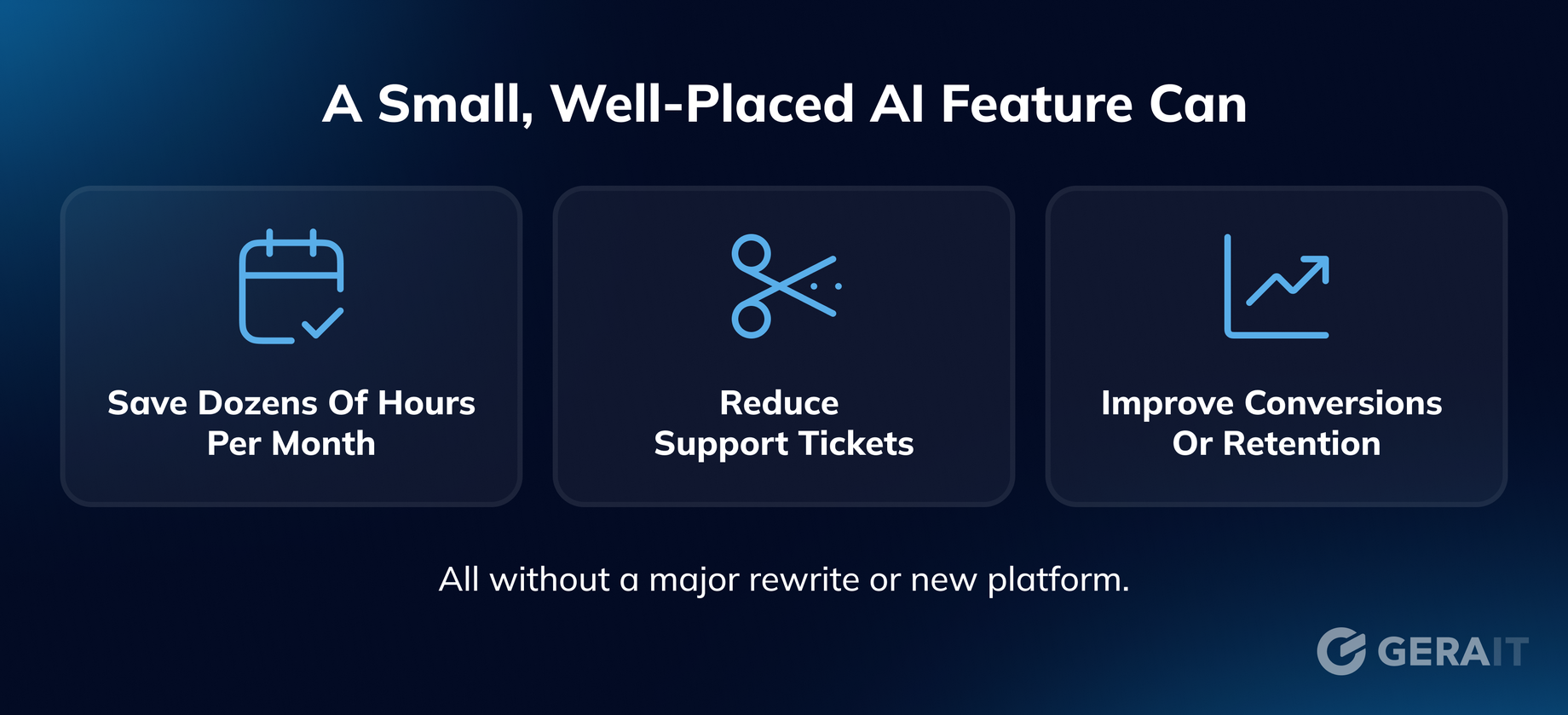
Often, the real value comes not from building something new — but from automating what’s already being done manually. However, if you are interested in building something new - check our recent article: How AI helps startups launch faster (from Idea to MVP)
Final Thought
Integrating AI into existing systems isn’t just possible — it’s becoming essential. However, it works best when treated not as a magical upgrade, but as a practical and focused enhancement.
It starts with small, thoughtful improvements:
- Automating what slows your team down
- Enhancing what your users already do
- Making your product smarter — without making it harder to use